Find and save ideas
Browse community artwork, keep the references that feel right, and build a visual direction you can return to.
 OpenInk for iPhone · Available now
Browse the community, save the pieces that feel right, shape a new design, and preview it on your skin wherever the idea finds you. OpenInk is now available on iPhone.
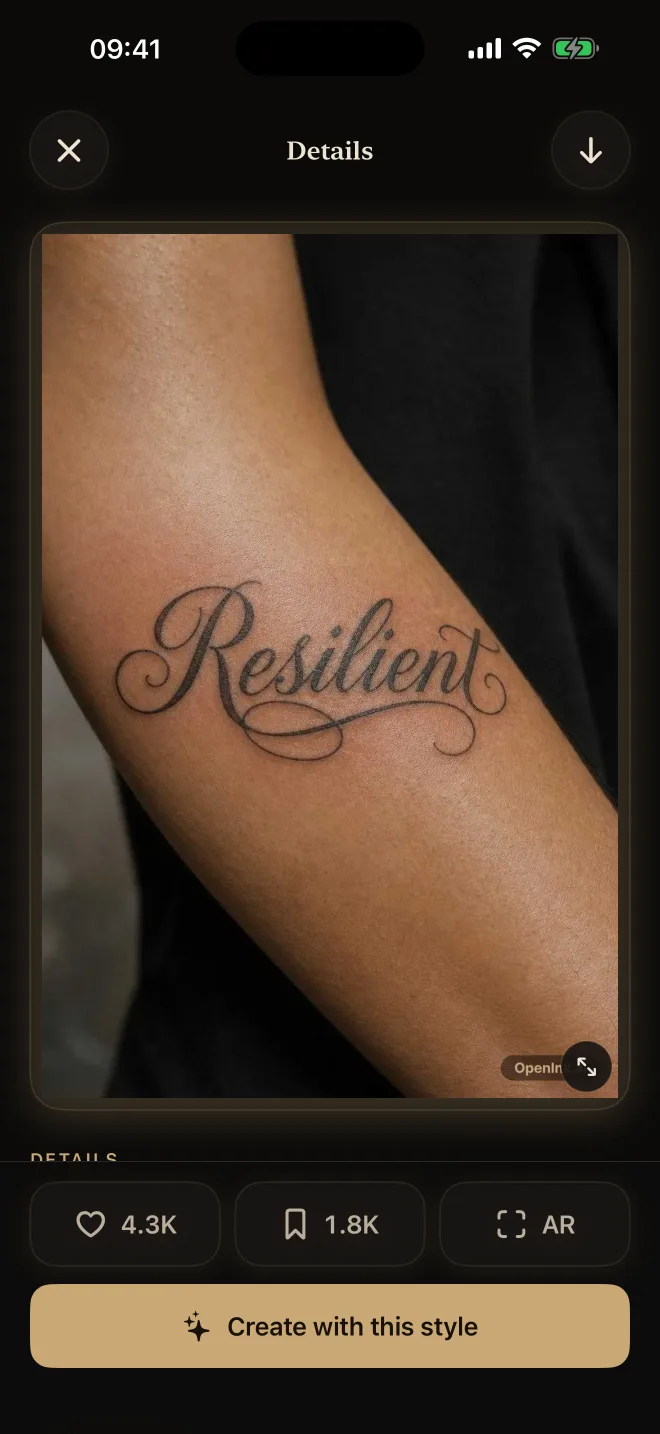
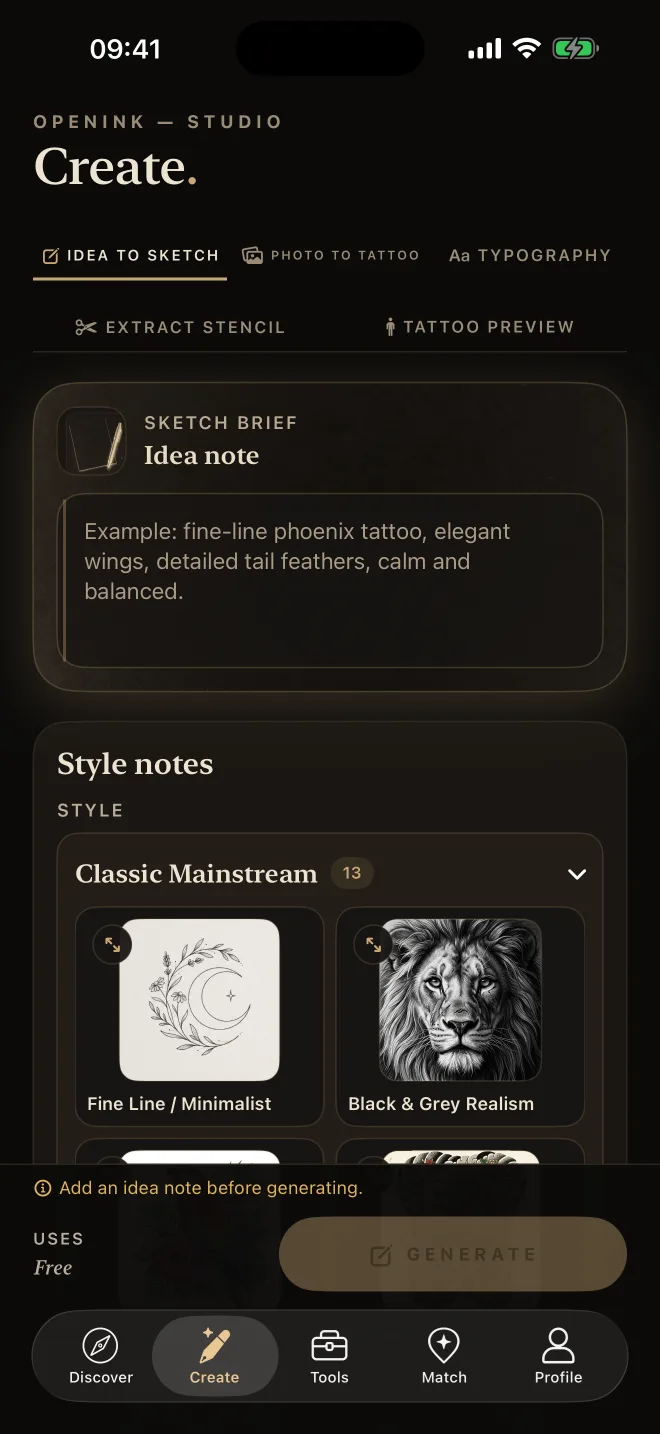
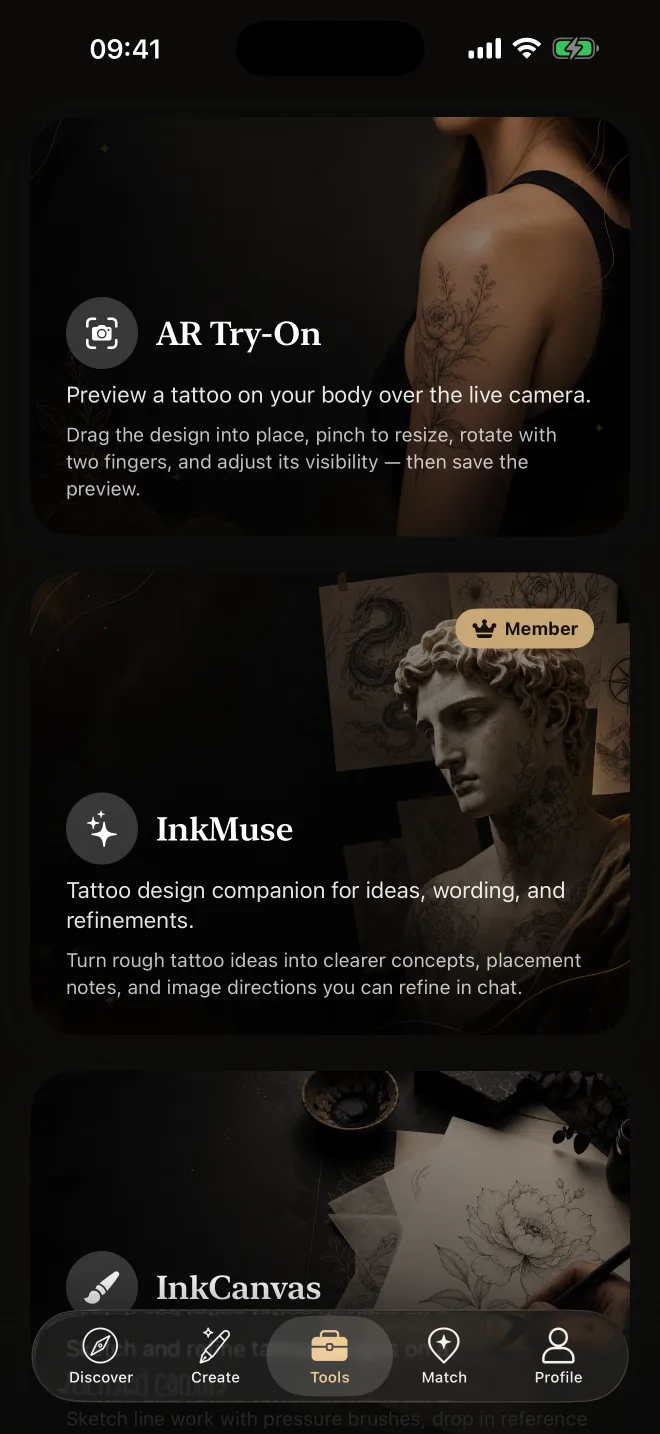
Move from saved references to a clearer design direction while the idea is fresh, then check placement before you bring it to an artist.
Browse community artwork, keep the references that feel right, and build a visual direction you can return to.
Turn a written idea or saved reference into a new tattoo design, then refine the result as your direction becomes clearer.
Use your camera to check scale and placement on skin before the design reaches the appointment stage.
Sign in with your existing OpenInk account and keep your tattoo ideas, saved work, and creative flow close wherever you continue.
Yes. OpenInk is free to download from the App Store, with optional paid features and credits available inside the product.
Yes. Use the same OpenInk account on iPhone and the web so your work stays connected across both experiences.
You can discover and save tattoo ideas, create new designs, open tattoo tools, review artwork details, and preview placement on skin.