Find and save ideas
Browse community artwork, filter by style and placement, and save the references that help you explain what feels right.
 OpenInk for Android · Available now
Browse the community, save references, shape a new design, and check placement on skin from the phone already in your hand. OpenInk is now available on Google Play.
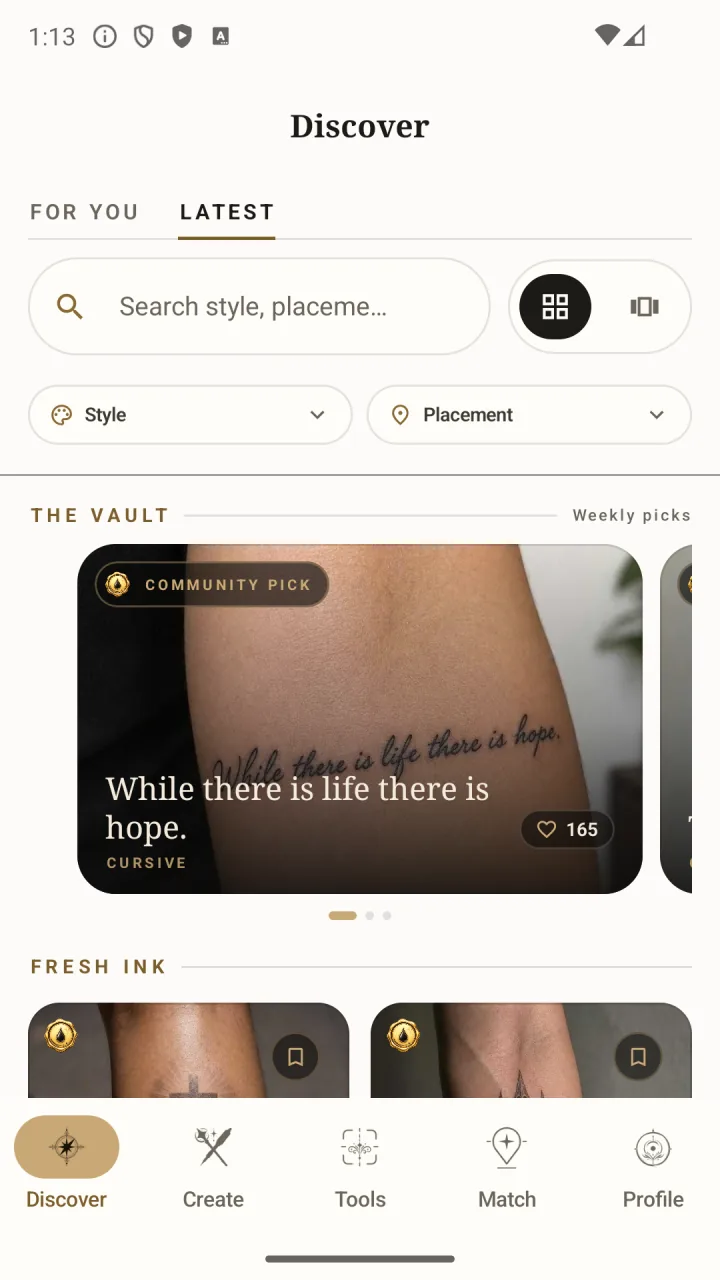
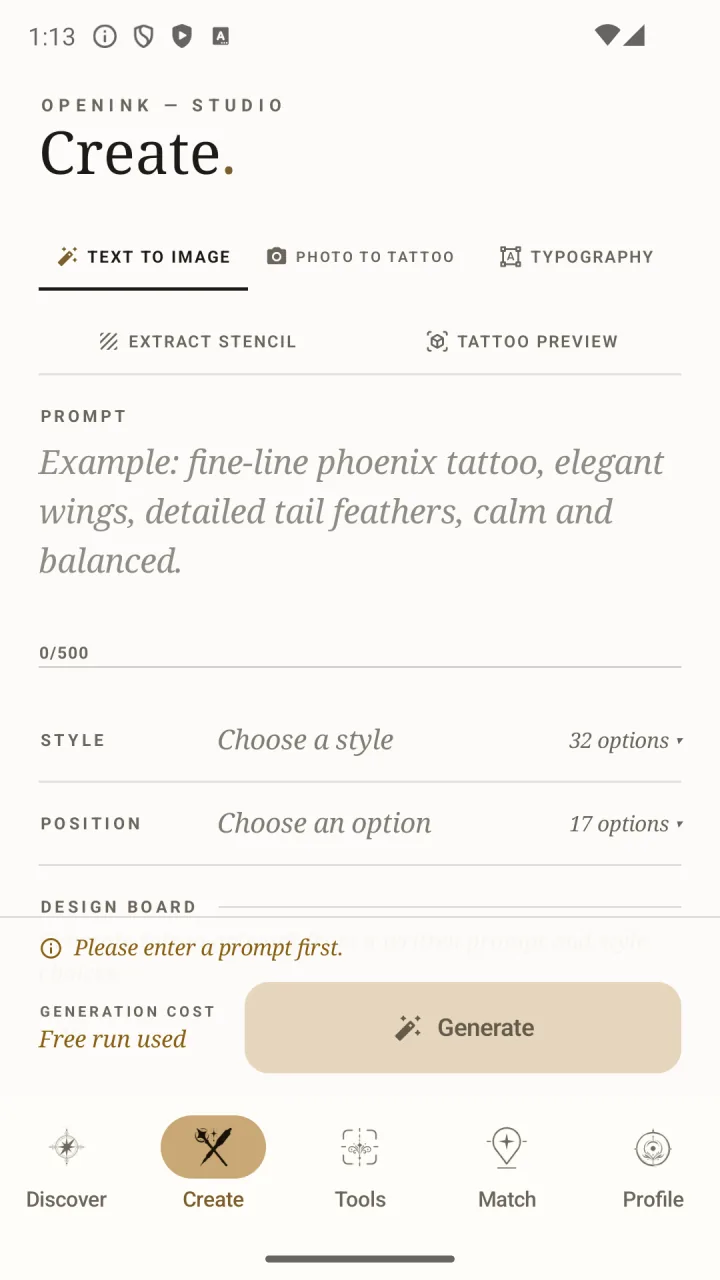
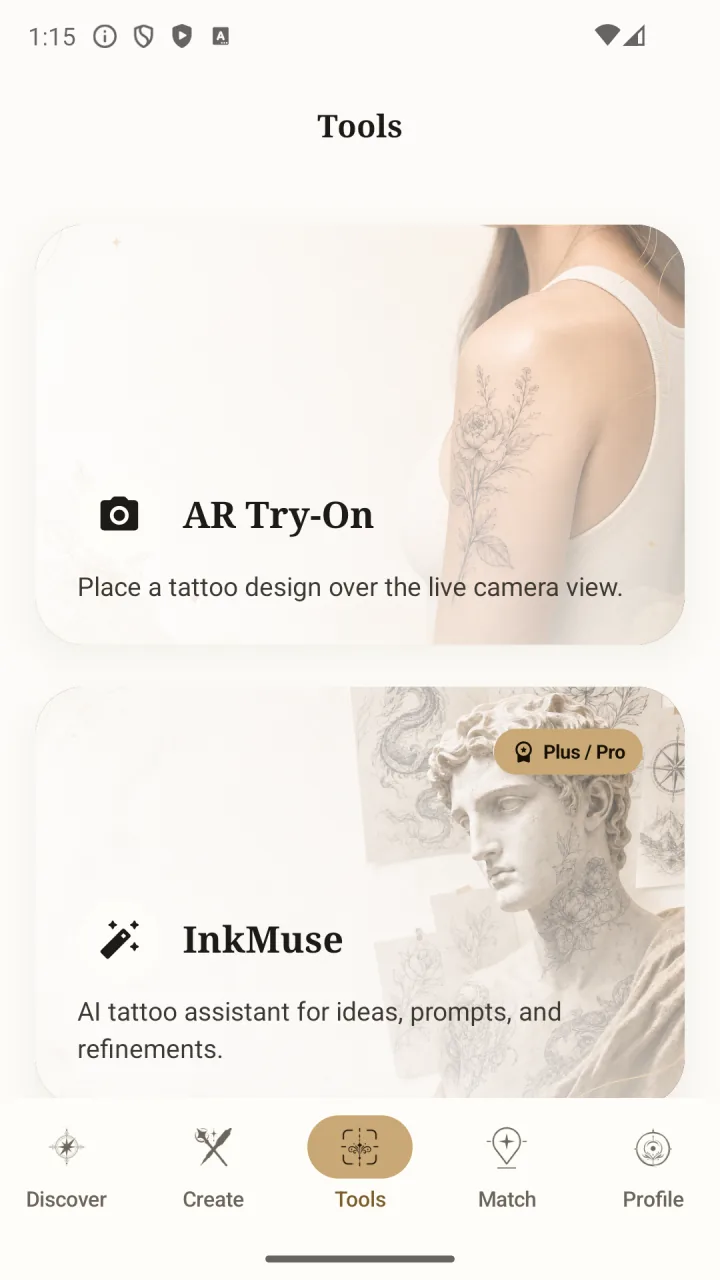
Move from saved references to a clearer design direction while the idea is fresh, then check scale and placement before you bring it to an artist.
Browse community artwork, filter by style and placement, and save the references that help you explain what feels right.
Turn a written idea or reference photo into a tattoo design, then keep refining until the direction is clear enough to share.
Use your Android camera to check how the design sits on skin before the appointment makes anything permanent.
Sign in with your existing OpenInk account and keep your tattoo ideas, saved work, and creative flow connected across Android and the web.
Yes. OpenInk is free to download from Google Play, with optional paid features and credits available inside the app.
Yes. Use the same OpenInk account on Android and the web so your saved ideas and work stay connected.
You can discover and save tattoo ideas, create new designs, use tattoo tools, preview placement on skin, and find nearby tattoo artists.